
Wiki mirrorView source
In such cases where:
- You are no longer interested in using RMS and would like to delete your user account with all its user data.
- Registered an RMS account earlier with your own separate RMS company and now your colleague is trying to invite you but receives error
The email has already been taken.
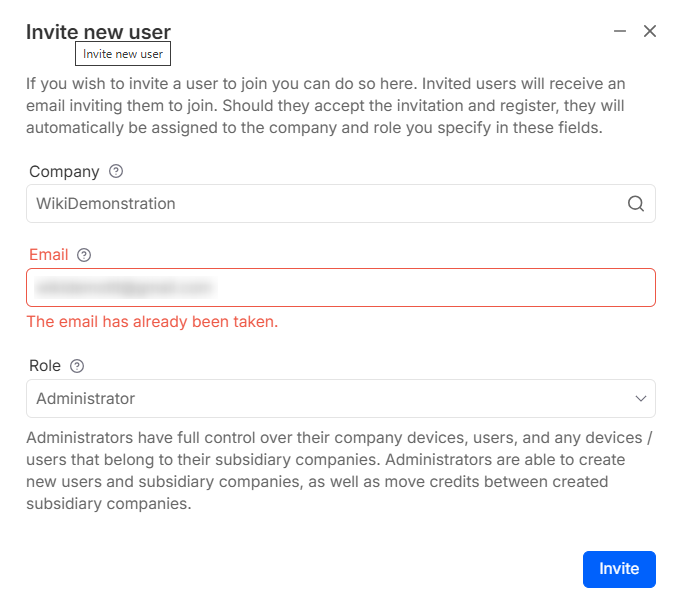 You can utilize Delete account functionality.
Instructions
- Be logged in RMS.
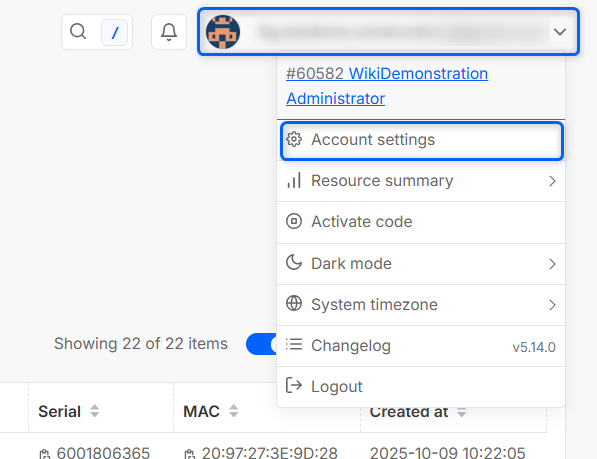
- Click on your user in the right upper corner and open Account settings.
- In the bottom of account settings you will see an option to delete account.
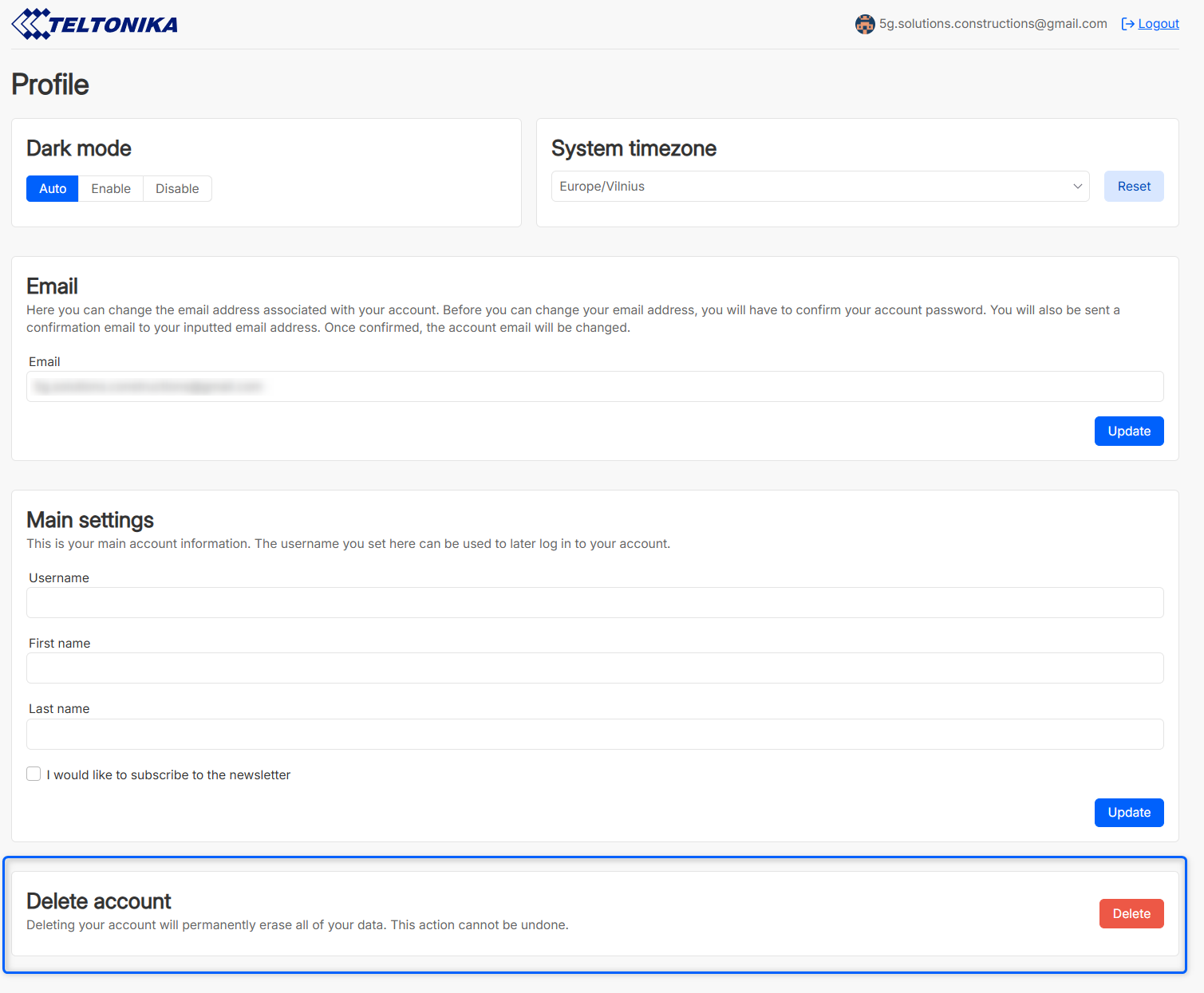
- Click delete.
- A password confirmation window will open, input your password to confirm account deletion.
Once deleted, your account data is removed. Your email address is also available again to be registered/invited on RMS.
Notes:
- Your access tokens will be removed.
- Any active browser sessions will be suspended.
- If the company to which your user belongs does not have any devices, other users or sub-companies - the RMS company will be removed as well.